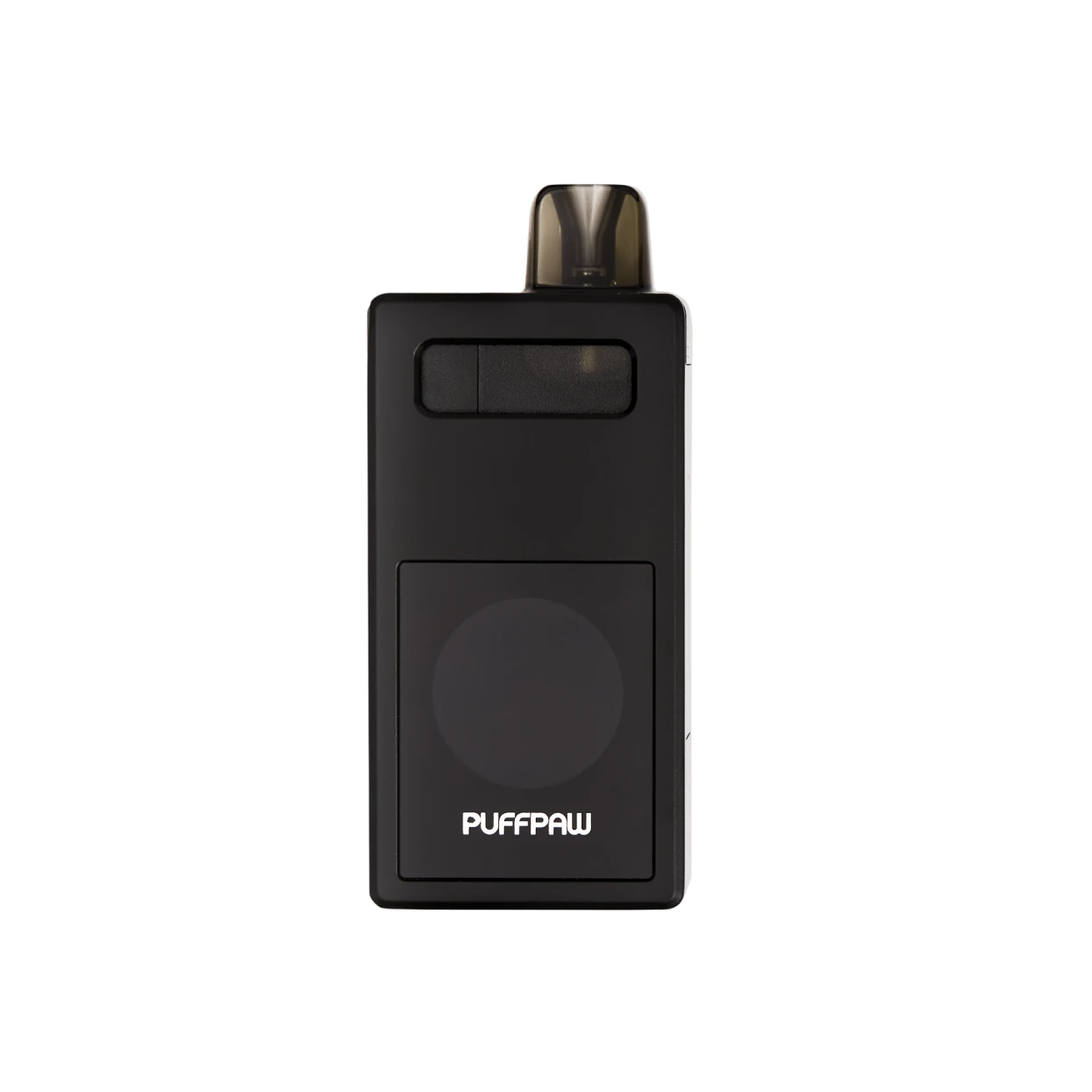
Please ensure that Bluetooth is enabled on Chrome. Disconnect from your phone's built-in Bluetooth and reconnect in the app.
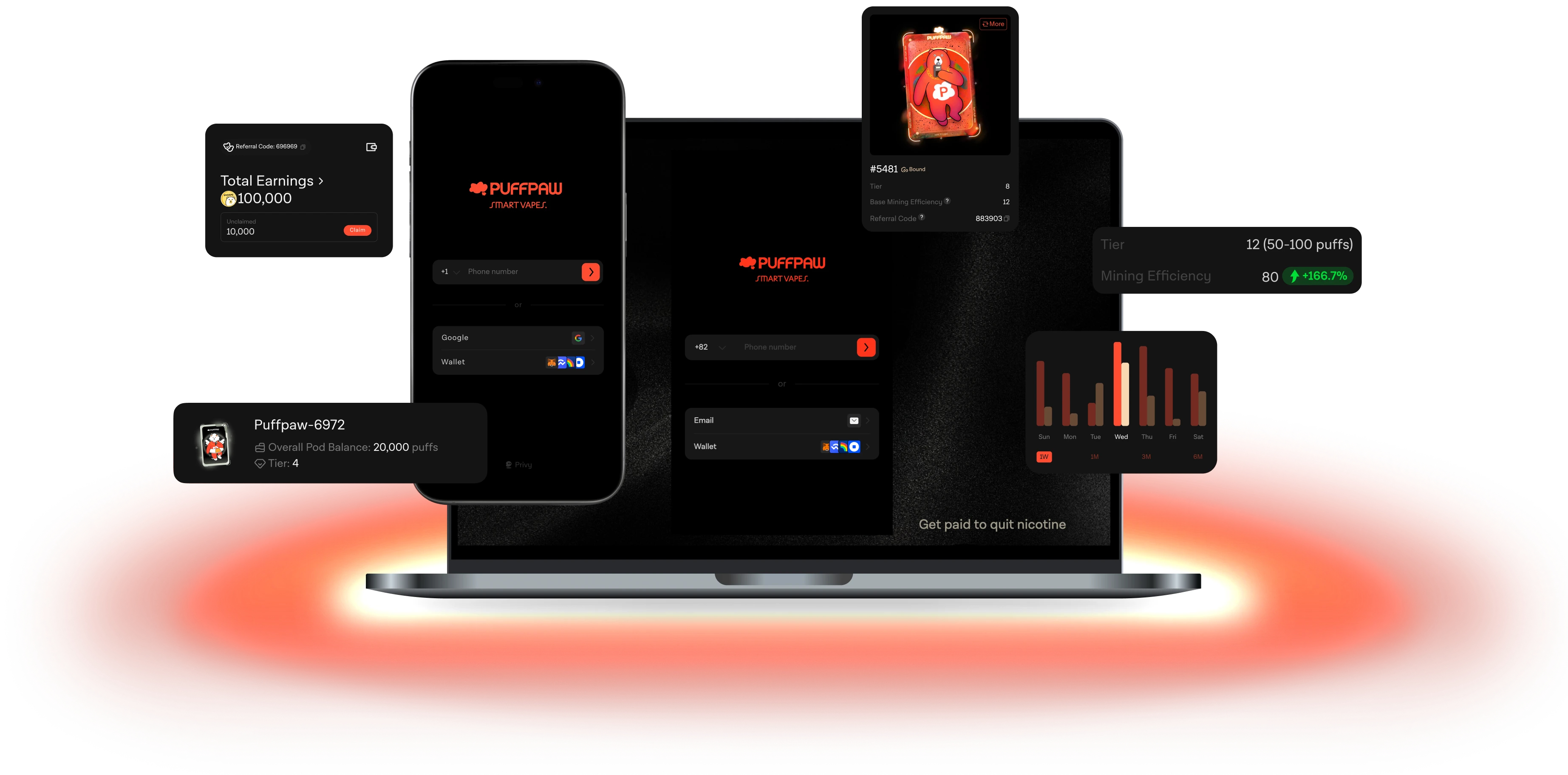
We encourage all users to keep their vape connected to the web app at all times. However, with the recent upgrade (link), each vape can now store up to 300 puffs even when disconnected. After the upgrade, please remember to reconnect your vape to the app before the end of each day to ensure all puff data is uploaded and included in that day’s reward distribution.